
AI Image Editor
Our AI-powered editor lets you modify any image instantly. Just describe your vision and watch the magic happen.
Supported formats: JPEG, PNG, WEBP · Maximum file size: 10MB
Output
My History
What is the AI Image Editor?
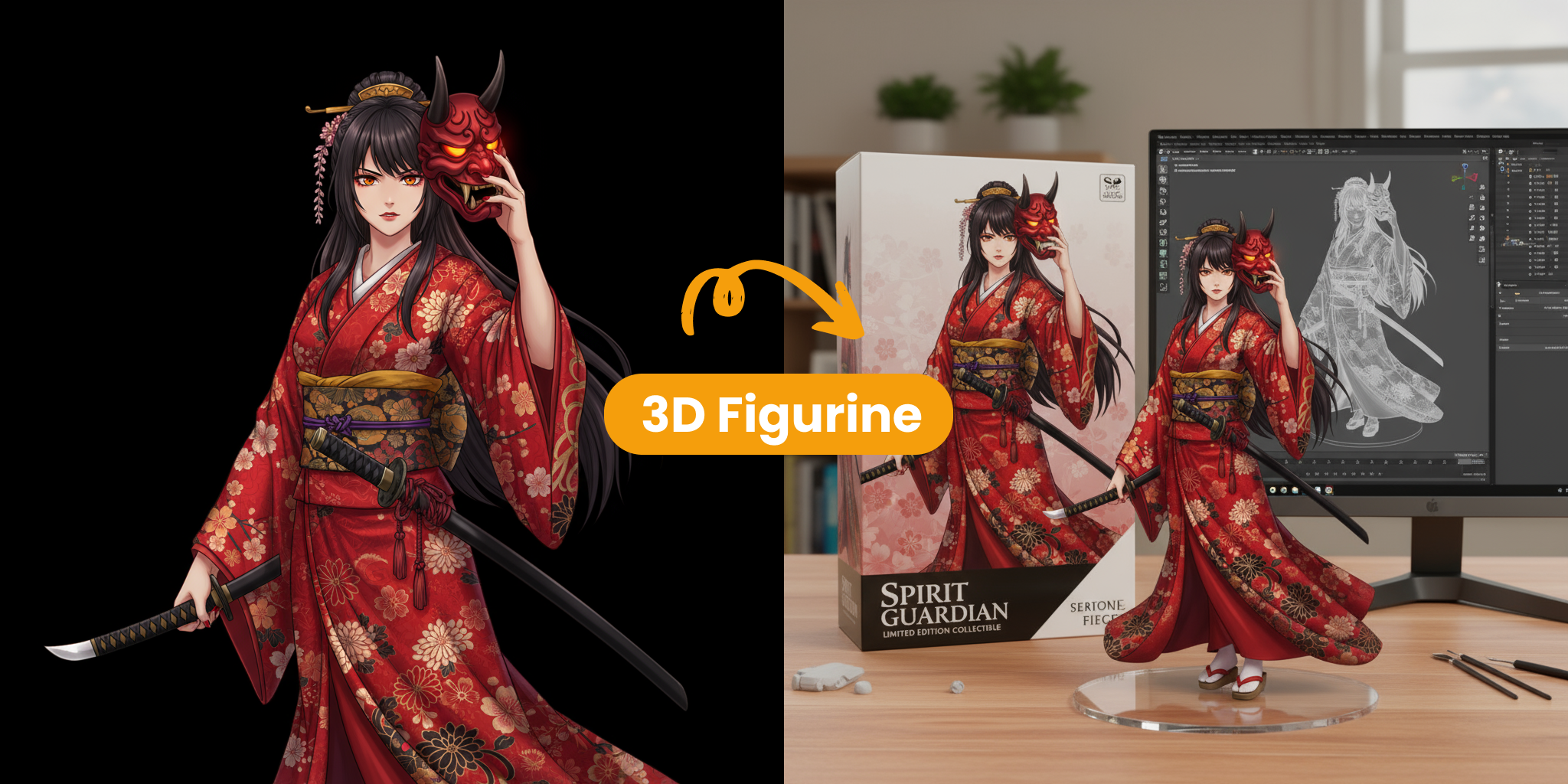
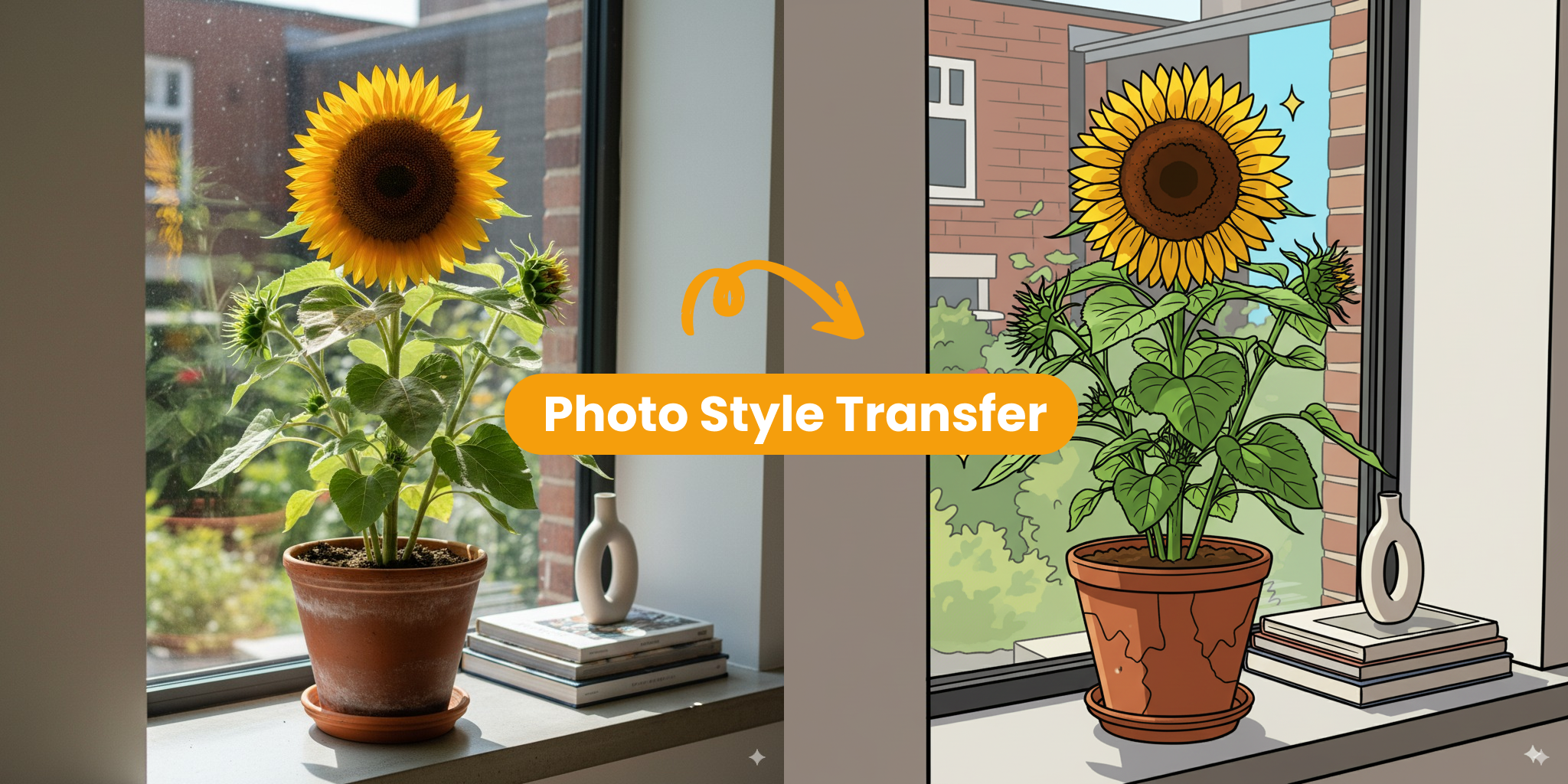
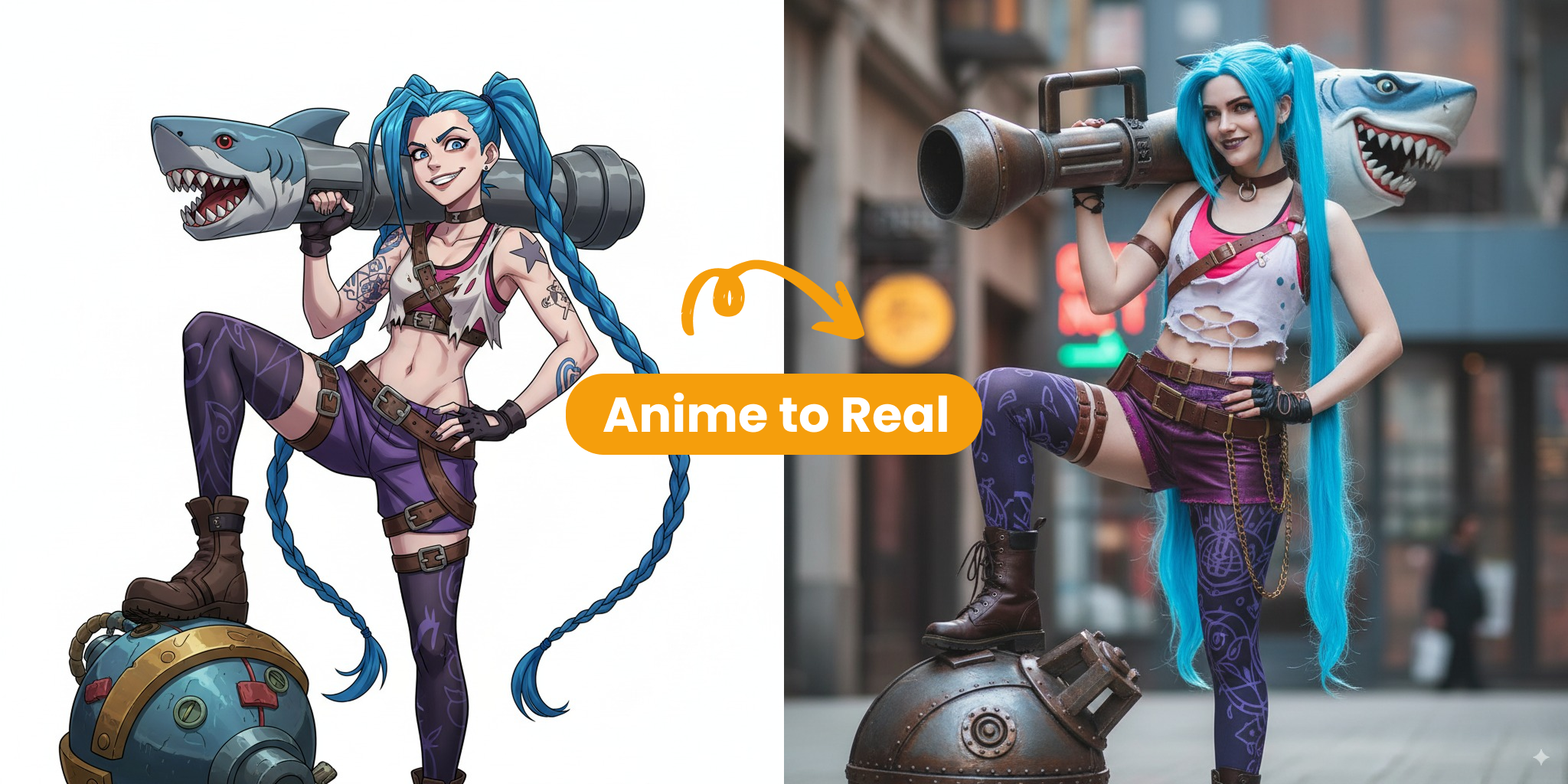
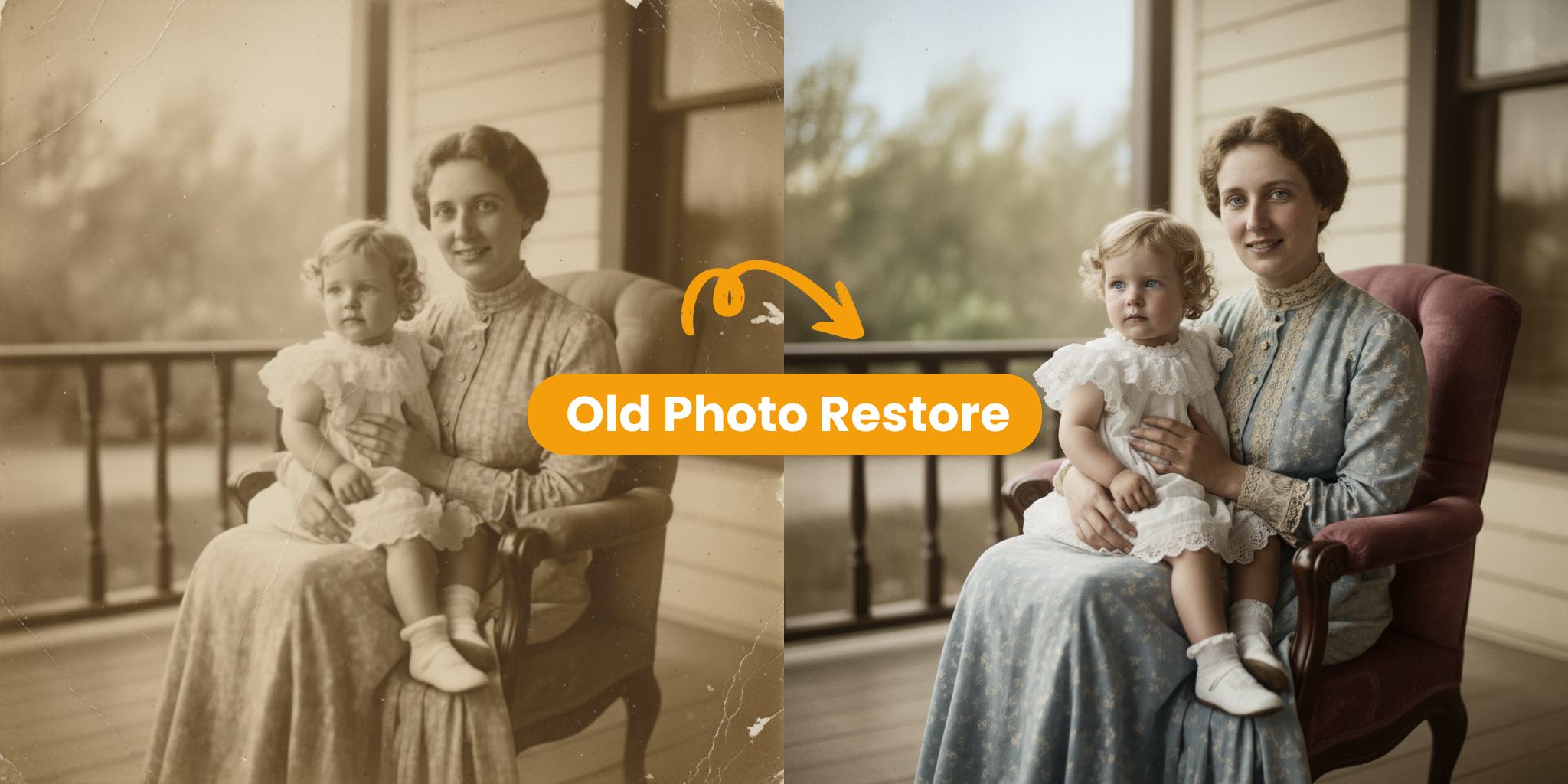
Our AI Image Editor is a new way to fix and change your photos easily. Instead of doing hard work yourself, you just tell the AI what you want, and it does it for you. It keeps your photos looking sharp and natural while changing backgrounds or adding new styles. It is perfect for anyone who wants professional photos in just a few seconds.
- Smart and AccurateThe AI looks at every part of your photo to make sure every change looks perfect and real.
- Work Done in SecondsGet professional results instantly without spending hours on manual editing.
- Simple for EveryoneYou don't need any special skills. Just type your ideas and watch your images transform.
Why Choose Our AI Image Editor?
Experience the next generation of photo editing with these key benefits:
AI Image Editor Core Features
Discover how our AI Image Editor makes photo changes fast and simple:
Sharp Visuals
AI keeps textures and colours crisp, so every zoom looks clear on screen or in print.
Style Variety
Choose a preset or craft your own look; AI balances light and colour in seconds.
Natural Posing
Depth-aware blending places subjects naturally into new scenes without rough edges.
Fine-Tune Controls
Simple sliders adjust brightness, warmth and focus with live preview for instant feedback.
Easy Export
Download in any format while our pipeline keeps colours accurate for web or print.
Cloud Processing
All edits run in the cloud—no installs, works on any device, anytime.
Create Your First Image with AI Image Editor
Follow these 3 quick steps to transform your picture:
Upload Your Photo
Add a clear, well-lit image as your starting point.
Describe Your Vision
Tell the AI what style or change you want in simple words.
Generate & Download
Preview, tweak, then save your high-resolution result.
Creators Share
Stories of how AI Image Editor empowers artists, marketers, and hobbyists alike.
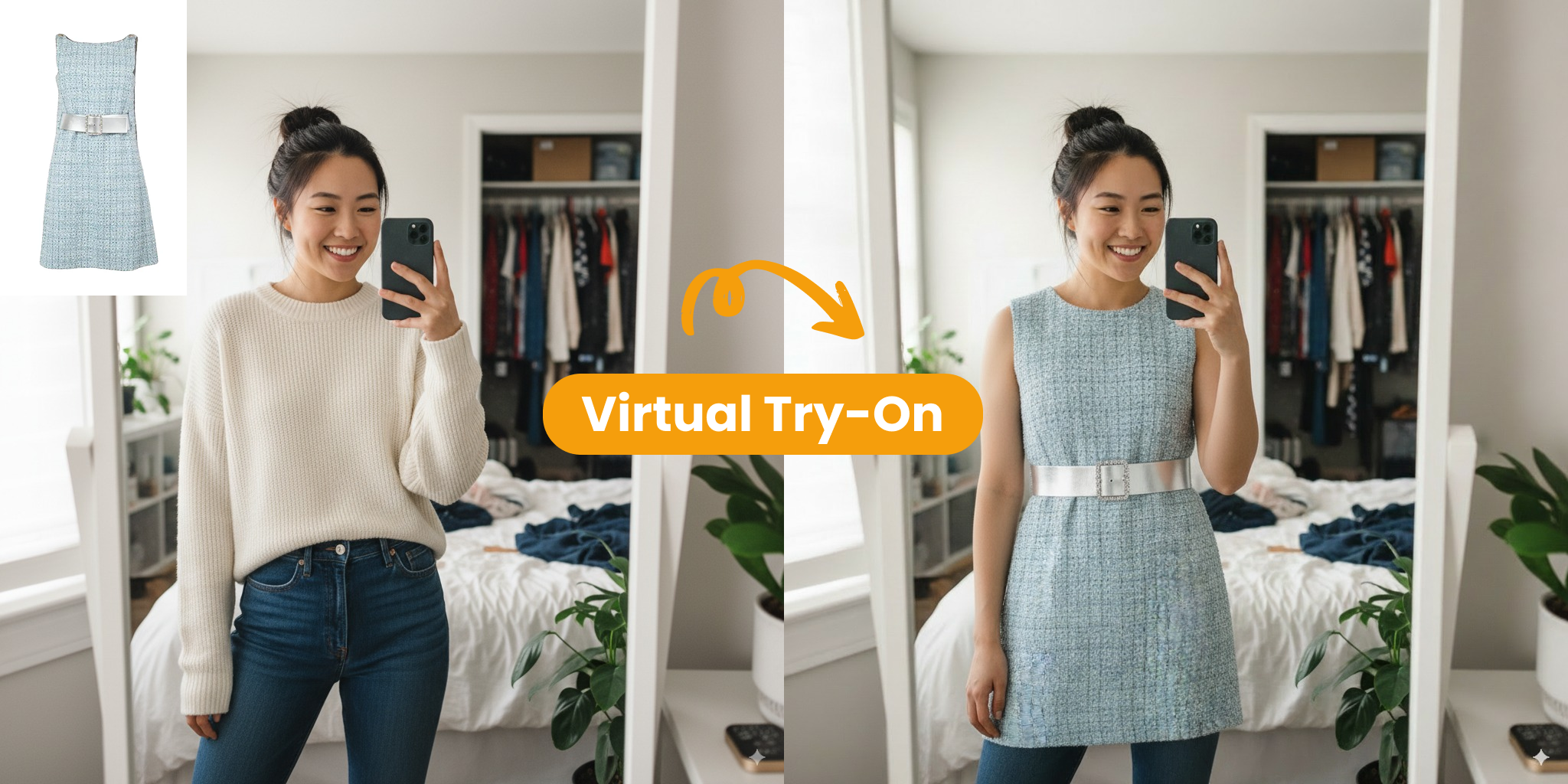
Outfit Previews in Seconds
I snap a quick selfie and instantly see how different fabrics and cuts look—no fitting room needed.
- Swap styles with one click
- Share realistic previews before buying
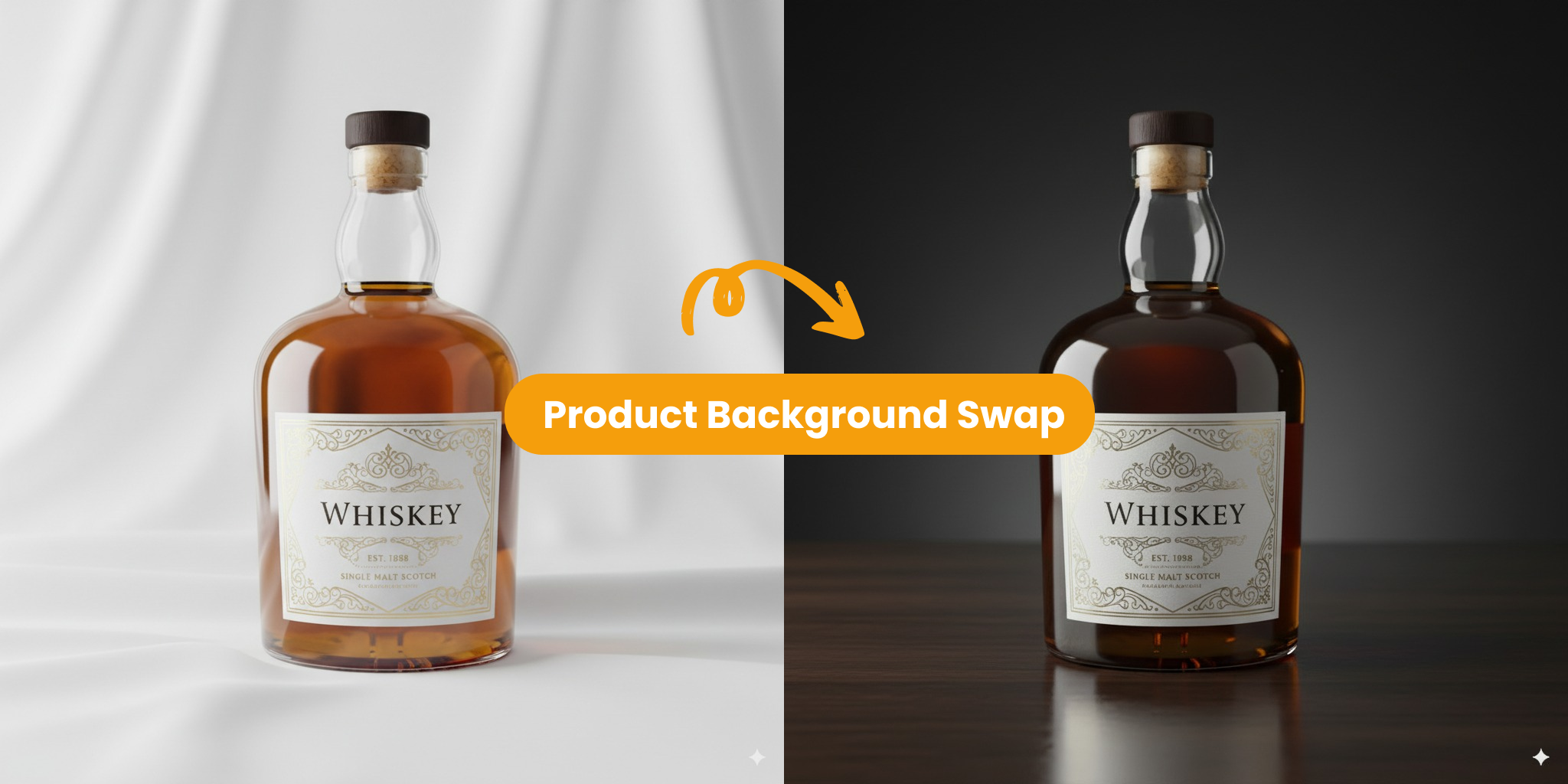
Studio-Quality Lifestyle Images
We upload one product photo and the AI drops it into themed scenes ready for campaigns—no costly sets required.
- Create many backdrops for A/B testing
- Keep lighting and brand colours consistent
Transforming Creativity with AI Image Editor
AI Image Editor is powered by smart vision models tuned for realism and creative control.
Output Styles
20+
Switch from photoreal shots to stylised art in one click.
Generation Speed
Seconds
High-speed models create fresh variations faster than a coffee break.
Creator Satisfaction
97%
Designers and marketers trust our engine for daily projects.
What Users Say About AI Image Editor
See how creators reshape images with our editor.
Brian K.
I mock-up product shots before booking a studio—AI Image Editor saves me thousands every launch.
Maya L.
As a solo marketer I create campaign visuals in minutes. No more stock-photo hunts!
Leo P.
Concept-art presets help me build game assets fast—our art team loves the head start.
Sofia G.
I turn client sketches into polished interiors—feedback rounds are now pure joy.
James W.
One prompt, endless social posts. Engagement soared after swapping out stock graphics.
AI Image Editor – Your Questions Answered
Find quick answers about our AI-powered photo editor. Need more help? Contact us anytime.
What is the AI Image Editor?
It’s a smart photo editor that uses artificial intelligence to understand your picture and apply the changes you describe while keeping important details intact.
Why should I try the AI Image Editor?
Save hours of manual work, preview creative ideas instantly, and produce professional results without hiring retouchers or learning complex software.
How do I begin with the AI Image Editor?
Create an account, upload a photo, type your instructions, and click generate. The simple onboarding guides you so first-time users finish an edit in under two minutes.
Where can I learn more tips and tricks?
Visit our blog for guides and inspiration. You’ll find tutorials on advanced techniques like style mixing, background swaps, and more.
What makes AI Image Editor special?
Our AI checks every pixel to preserve texture and depth while making changes. The result is natural-looking images that match your vision.
Can I choose my own style?
Yes—adjust themes, colours, and other controls to get the exact look you want. Fine-tune sliders give you full control over the final image.