
Image to Image AI Generator
Transform any reference picture into fresh variations with a single prompt.
JPEG, PNG, WEBP · Maximum file size: 30MB · Maximum files: 10
Output
My History
What is Image to Image AI?
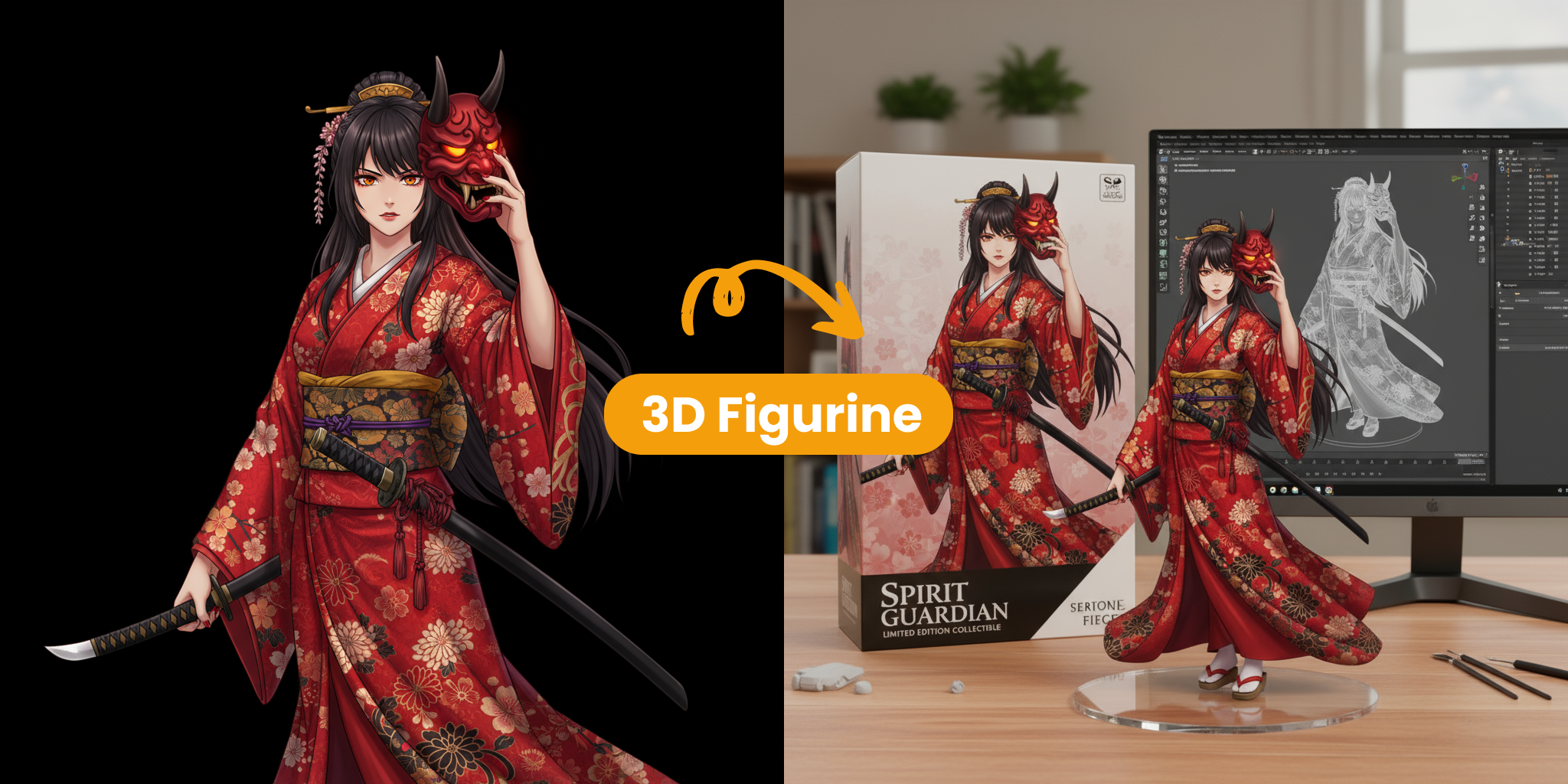
Unlike text-to-image tools that start from a blank canvas, our AI preserves core composition while applying the exact style or changes you describe—giving you total creative control.
- Preserve Core LayoutAI keeps key subjects and structure intact while transforming the rest.
- Fast Style IterationSwap looks or moods in seconds—perfect for rapid prototyping.
- Fine-Tuned ControlAdjust strength, aspect ratio and output count to match your vision.
Key Advantages of Image to Image AI
Here’s why creators rely on our tool to reinvent images in minutes:
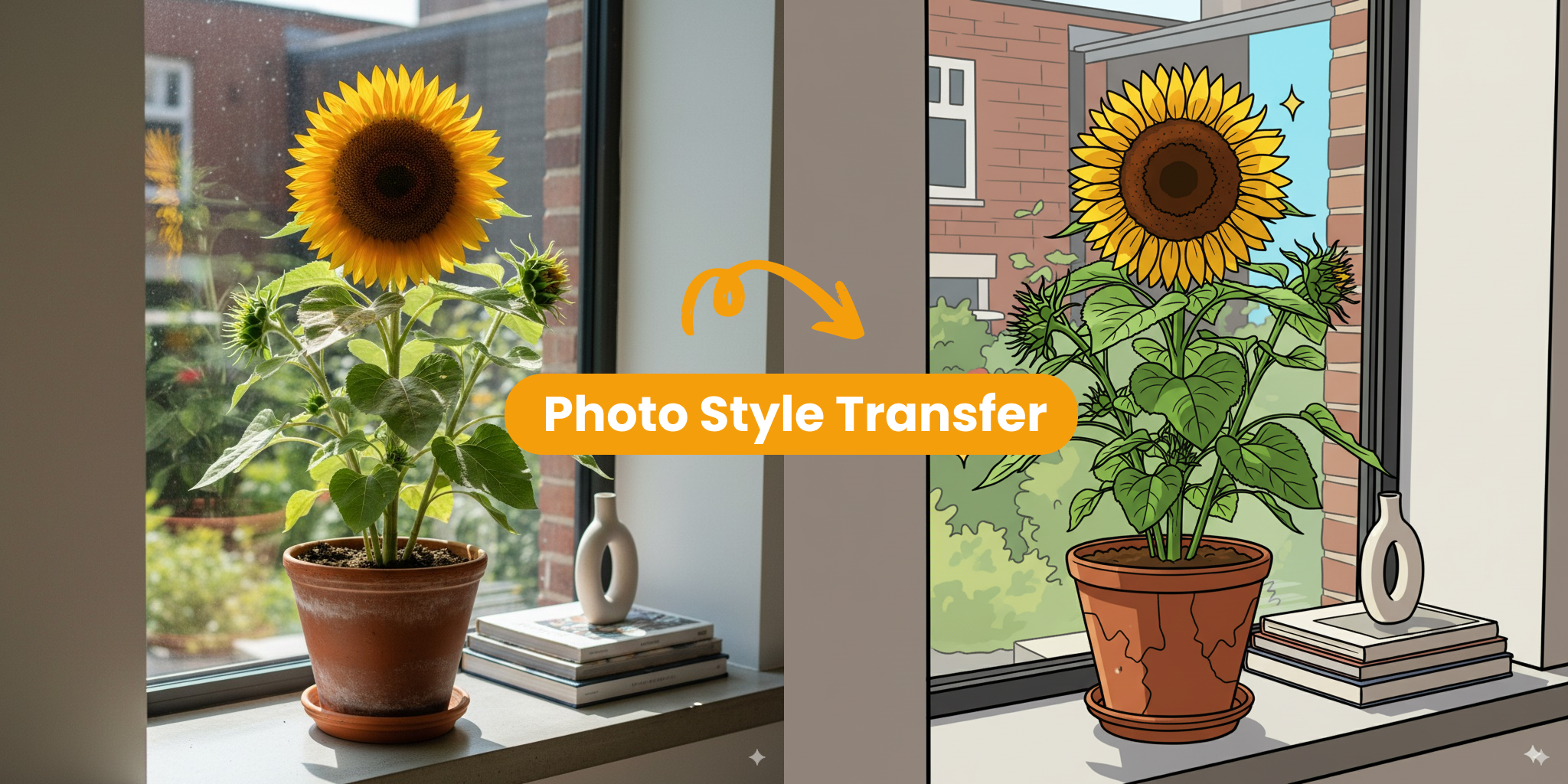
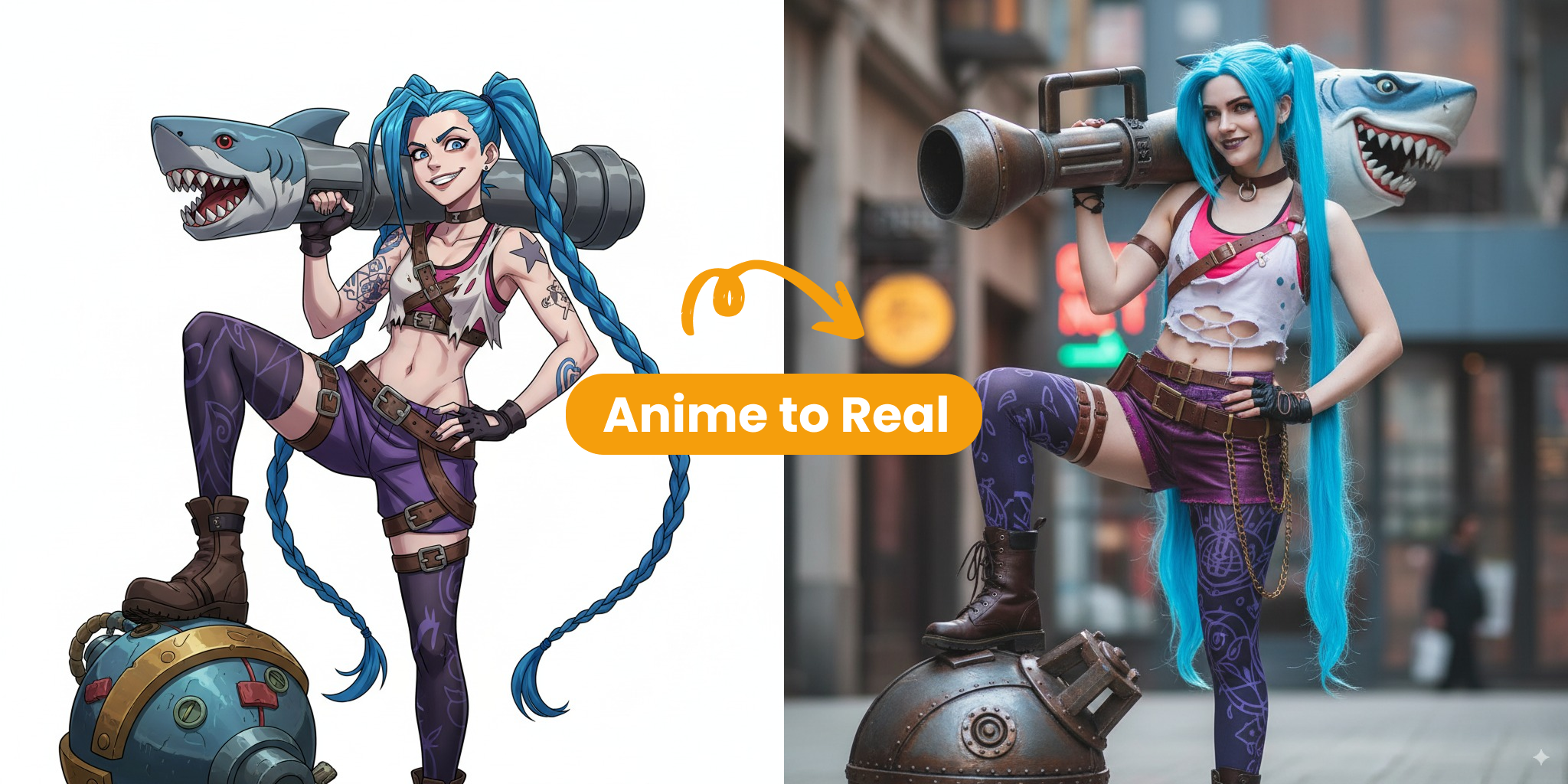
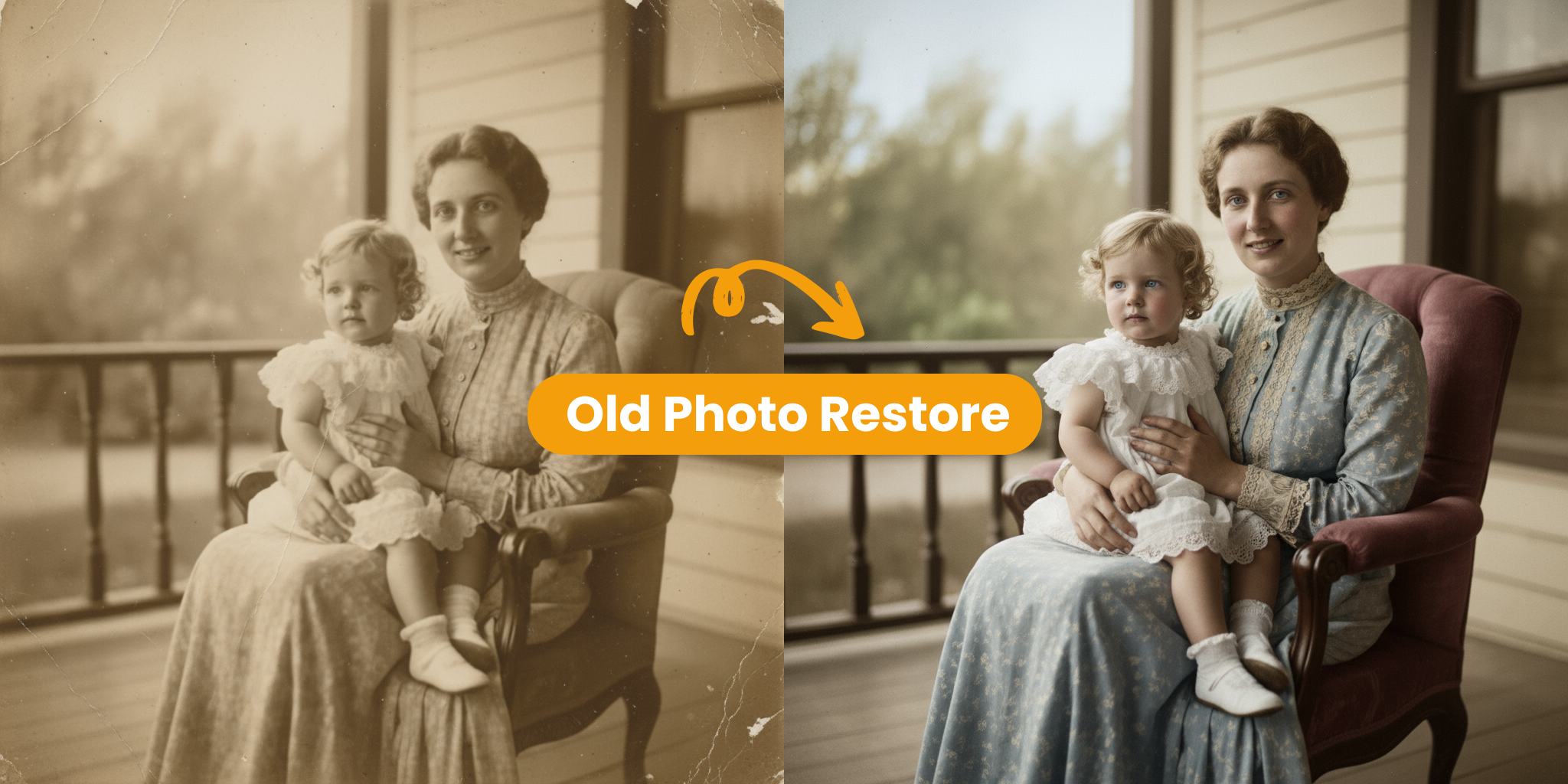
Image to Image AI Core Features
Discover the tools that make our image transformer shine:
Sharp Visuals
Our advanced model keeps fine textures and colour fidelity intact, so prints stay gallery-ready on any size. It intelligently analyses micro-details—like subtle fabric weave and reflected highlights—then reconstructs them at higher resolution to avoid blur or banding when zoomed, helping photographers maintain a premium finish.
Style Variety
Presets apply lighting harmony automatically while still letting you fine-tune style. The preset engine balances exposure and tonal curves automatically, yet every slider remains accessible if you want to nudge warmth or saturation, enabling a custom signature look in just a few clicks.
Natural Posing
Depth-aware blending removes that ‘cut-and-paste’ look for natural composites. Our pose-aware depth map detects limbs and posture, blending new backgrounds without awkward edges, so your subject feels grounded in the scene rather than floating, perfect for fashion or product hero shots.
Fine-Tune Controls
Intuitive sliders tweak warmth, brightness, and focus with real-time previews. Real-time feedback makes experimentation painless; dial a parameter, see the canvas update instantly, empowering creatives to refine mood lighting or depth blur interactively instead of exporting multiple test versions.
Easy Export
Download creations in the format best suited to your use case—quick posts or gallery-quality prints—while our pipeline automatically optimises colour profiles so visuals stay true on every device.
Cloud Processing
Everything happens in the cloud—no install required and works on every device. GPU clusters handle heavy lifting even on mobile networks; nothing gets stored locally, freeing disk space and ensuring your workflow stays platform-agnostic whether you’re on desktop, tablet, or phone.
Create Your First Image with Image to Image AI
A quick 3-step guide to your first transformed image:
Upload Your Images
Choose a clear, well-lit reference image as your starting point.
Describe Your Changes
Write a prompt detailing the style, colours or edits you’d like applied.
Generate & Download
Preview, refine, then save the high-resolution result ready to share.
Transforming Creativity with Image to Image AI
Image to Image AI is powered by vision models refined for realism and creative control.
Output Styles
20+
From photoreal products to stylised concept art—switch looks instantly.
Generation Speed
Seconds
High-performance models deliver fresh variations faster than a coffee break.
Creator Satisfaction
97%
Designers, marketers and indie devs rely on our engine for daily workflows.
What Users Say About Image to Image AI
See how creators reshape images with our generator.
Brian K.
I used to wait until we had a studio booked to see how a product might look in a new setting. Now I can try a few ideas first and go into the shoot with a much clearer direction.
Maya L.
I’m usually juggling a few campaigns at once, so making every visual from scratch just isn’t realistic. This gives me a quick way to explore options before I settle on one.
Leo P.
When I’m sketching out a game asset, I like being able to test different looks without starting over each time. It’s become a handy part of my early concept process.
Sofia G.
Clients don’t always know how to describe what they want, but they can react to a visual. I use this to turn a rough sketch into something we can actually discuss.
James W.
We need a steady stream of social graphics, and stock images were starting to feel repetitive. Now I can make visuals that fit the post instead of trying to make the post fit the image.
Common Questions about Image to Image AI
Quick answers about using our image transformer—need more help? Reach out any time.
What is Image to Image AI?
It’s an AI tool that transforms an existing picture into a fresh variation guided by your prompt while preserving core composition. Instead of generating from pure noise, it references the original composition, letting you iterate faster because you start halfway to the goal rather than at square one.
Why should I use Image to Image AI?
Save time on manual editing, preview creative ideas instantly, and keep design workflows agile. Spend minutes instead of hours masking layers, maintain brand colour guidelines effortlessly, and create multiple campaign variants without reserving studio time or hiring retouchers.
How can I get started with Image to Image AI?
Create an account, upload a reference photo, write a prompt, and generate—no design skills required. The onboarding flow walks you through each control with tooltips, so first-time users can finish a full generation in under two minutes on average.
How can I get better results?
Start with a clear image and describe the changes you want as specifically as possible. Try different prompts and settings, compare the results, and refine your prompt until the image matches your idea.
What makes Image to Image AI unique?
Our alignment algorithms ensure perspective consistency while edge-aware tone-mapping preserves depth cues for natural-looking results. We also fuse semantic segmentation with edge-aware tone mapping, preserving depth cues while letting stylistic flourishes pop, resulting in photoreal but unmistakably creative outcomes.
Can I tailor the visual style?
Yes—experiment with themes, colours, and backgrounds to match your story. Custom reference images and advanced sliders let you nudge every detail until the portrait feels unmistakably ‘you’. Start with cinematic presets, then override specific colour channels or grain levels for precise control.